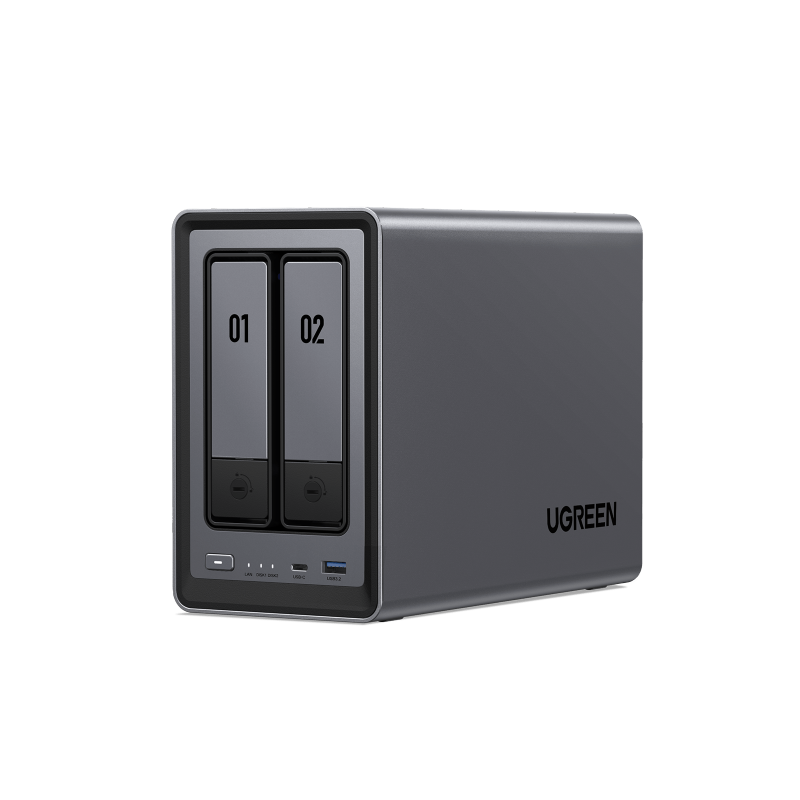
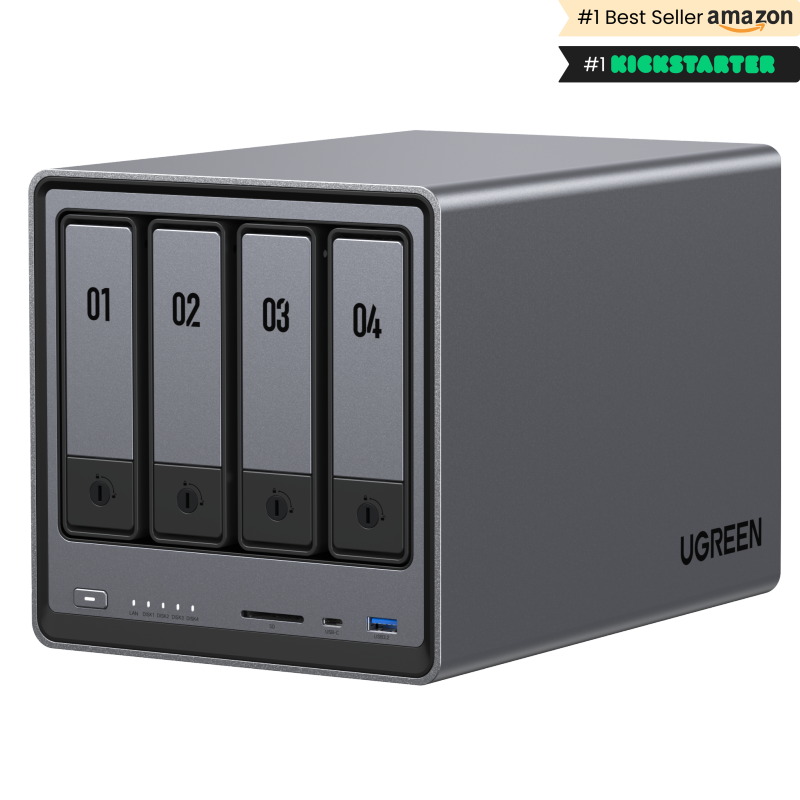
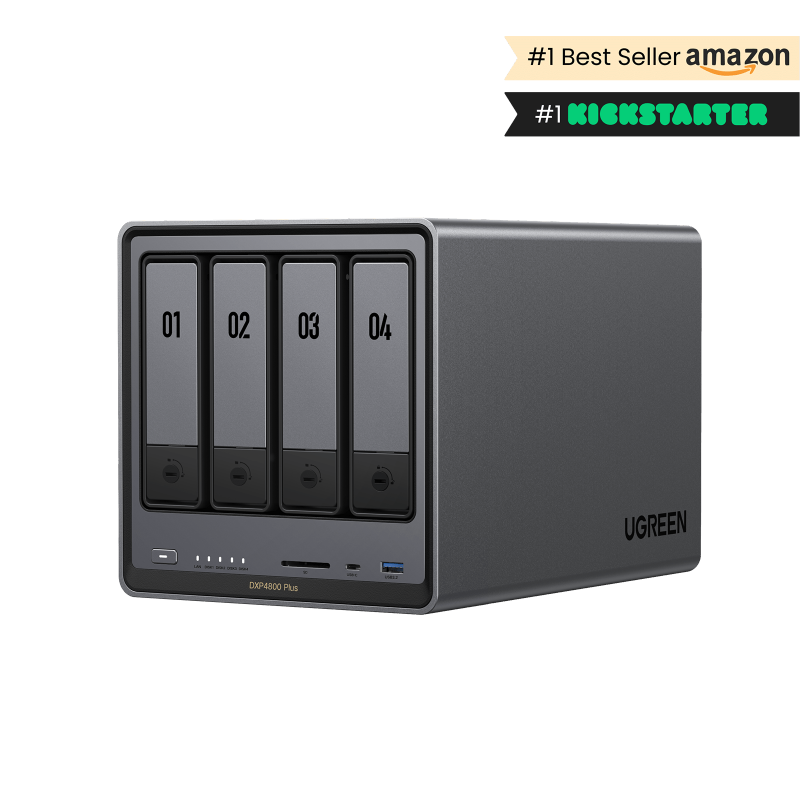
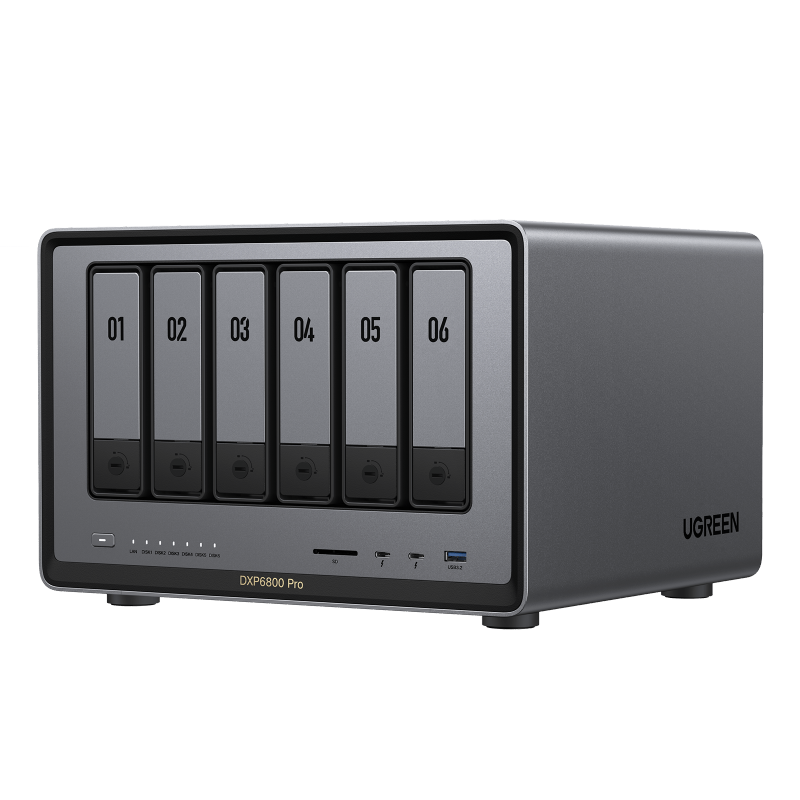
Drives are normally sold separately
NAS enclosures and hard drives are almost always sold as separate products. When comparing prices, check whether drives are included. NAS-optimized drives (sometimes labeled NAS or designed for 24/7 operation) are worth considering over standard desktop drives for always-on use.
RAID is not a backup
RAID configurations are not a substitute for independent backups. Redundant RAID levels (such as RAID 1, RAID 5, or RAID 6) can tolerate one or more drive failures depending on the level chosen — but RAID 0 has no redundancy at all and a single drive failure loses all data. No RAID configuration protects against accidental deletion, ransomware, fire, theft, or controller failure. The standard recommendation is the 3-2-1 rule: three copies of important data, on two different media types, with one copy stored off-site or in a separate cloud service.
Faster networking needs compatible equipment
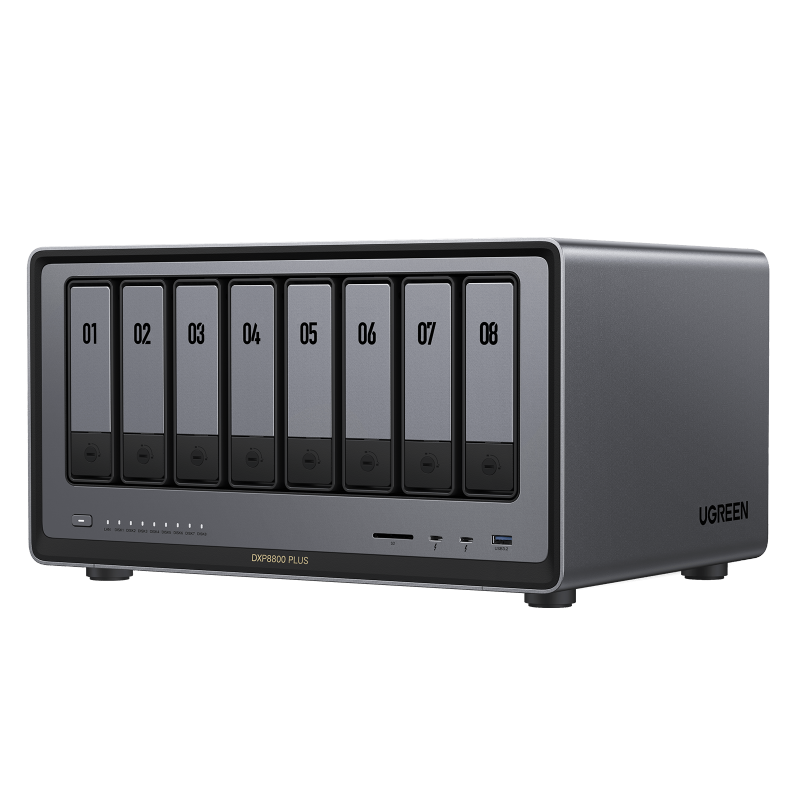
The DXP4800 Plus, DXP6800 Pro, and DXP8800 Plus all support 10GbE. To benefit from those speeds, your router or network switch must also support 10GbE, and compatible network ports, adapters, and cabling are required — check the specifications of your existing equipment before purchasing. A 10GbE NAS connected to a standard 1GbE switch will be limited to 1GbE speeds.
Software features vary by model and version
UGREEN markets on-device software capabilities for some NASync models, including features related to photo libraries and local storage management. Available features depend on the specific model, firmware version, and software at the time of purchase. Verify which features are available on a specific model directly with UGREEN before buying.
Usable storage is less than raw capacity
The total raw storage of a NAS is the sum of all installed drives. In redundant RAID configurations, a portion of that raw capacity is used for redundancy, so usable storage is less than the total. A four-bay NAS with four 4 TB drives has 16 TB raw, but a RAID 5 configuration yields roughly 12 TB usable. Check a RAID calculator before purchasing drives.
M.2 slots expand your options
All confirmed NASync models include two M.2 slots in addition to their SATA bays. M.2 slots can hold NVMe SSDs for faster cache or additional storage. Whether M.2 drives can be used as primary storage or only as cache depends on the model and firmware — verify with UGREEN before purchasing M.2 drives for this purpose.